FBR and Its Online Services: NTN Verification and Notifications
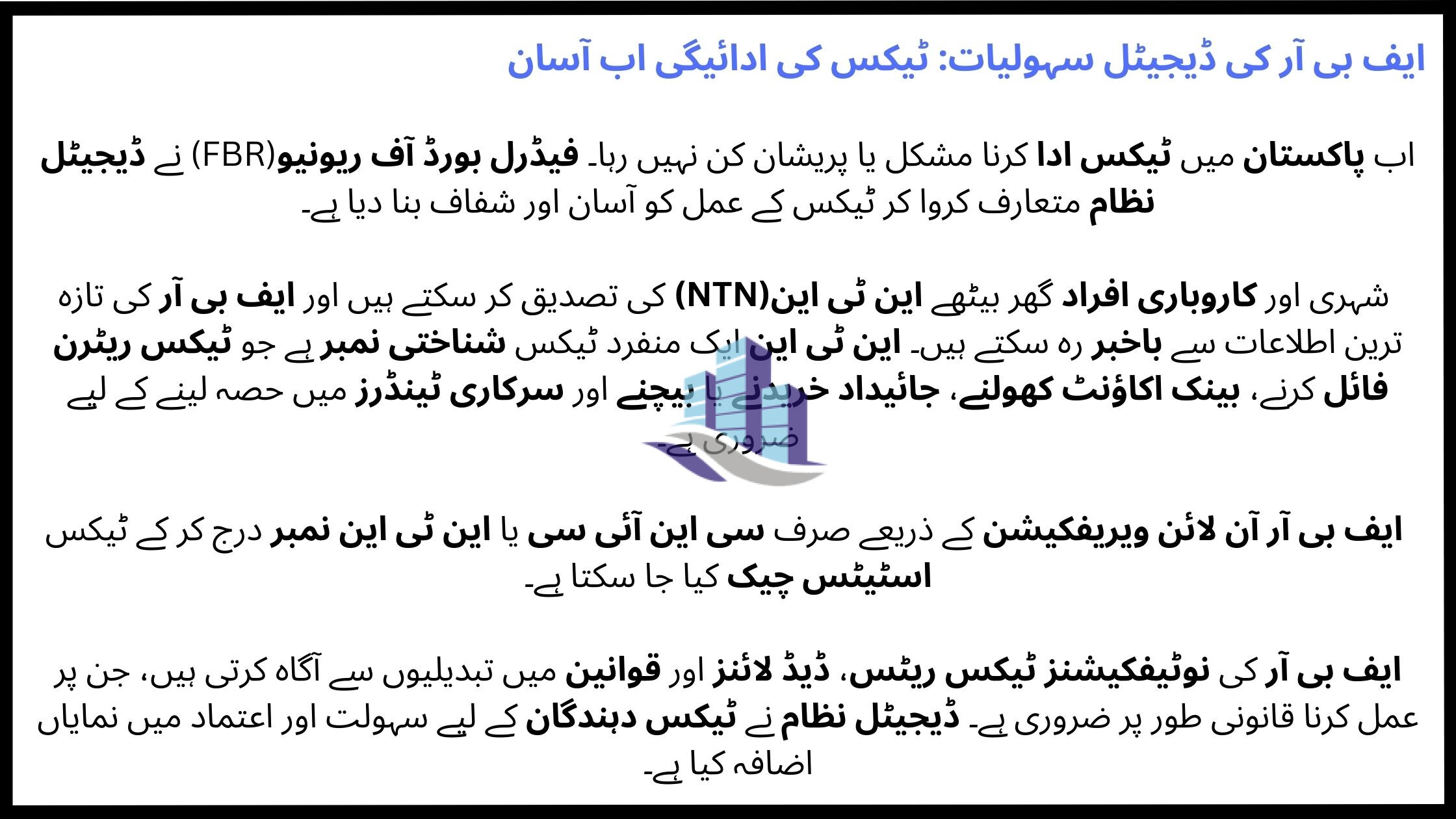
Now paying taxes no longer has to be confusing or stressful. The digital systems this introduced by the Federal Board of Revenue (FBR). Pakistani citizens and businesses can now verify tax details easily. We can check NTN status and stay updated through official FBR notifications, all from the comfort of our homes.
This article tells you about what FBR is, how NTN verification works, how to use FBR online verification services, and why FBR notifications are important for taxpayers.
What Is FBR?
The Federal Board of Revenue (FBR) is the main tax authority in Pakistan . It works under the Ministry of Finance. This is responsible for collecting taxes, enforcing tax laws, and managing customs duties.
FBR deals with:
- Income tax
- Sales tax
- Federal excise duty
- Customs duties
In recent years, FBR has introduced online systems to make tax processes transparent and accessible for individuals and businesses.
Understanding NTN and Its Importance
What Is NTN?
NTN stands for National Tax Number . It is a unique identification number issued by FBR to taxpayers in Pakistan. Every individual, business, or company registered with FBR is assigned an NTN.
Why NTN Is Important
NTN is required for:
- Filing income tax returns
- Opening business bank accounts
- Buying or selling property
- Applying for loans
- Participating in government tenders
Without NTN, a person is treated as a non-filer, which leads to higher tax rates and legal complications.
NTN Verification Through FBR
What Is NTN Verification?
NTN verification is the process of checking whether a person or business is registered with FBR and confirming the accuracy of their tax registration details.
This service helps:
- Employers verify employees’ tax status
- Businesses check vendors or partners
- Buyers verify sellers during property transactions
How to Do FBR Online Verification
FBR online verification allows users to verify NTN details through the official FBR system without visiting any office.
Steps for NTN Verification Online
- Visit the official FBR portal
- Select the NTN verification option
- Choose the relevant category (individual, AOP, or company)
- Enter CNIC or NTN number
- Submit the details
The system shows:
- NTN status
- Registered name
- Taxpayer category
- Active or inactive filer status
This process is quick, free, and available 24/7.
Benefits of FBR Online Verification
FBR online verification has made tax compliance easier for everyone. Some key benefits include:
- Saves time and effort
- Reduces dependency on agents
- Provides accurate and real-time data
- Promotes transparency
- Helps avoid fraud and fake NTN claims
For businesses, this system builds trust when dealing with suppliers, employees, and clients.

What Are FBR Notifications?
FBR notifications are official announcements issued by the Federal Board of Revenue. These notifications inform taxpayers about changes in tax laws, rules, rates, exemptions, and procedures.
Why FBR Notifications Matter
FBR notifications are legally binding and directly affect:
- Tax rates
- Filing deadlines
- Withholding tax rules
- Penalties and exemptions
Ignoring an FBR notification can result in fines, penalties, or legal issues.
Types of FBR Notifications
FBR issues different types of notifications, including:
Tax Rate Updates
Changes in income tax, sales tax, or withholding tax rates.
Filing Deadlines
Extensions or changes in tax return submission dates.
Policy Changes
New rules related to property, banking, imports, or business activities.
Exemptions and Relief
Special tax relief for certain sectors or individuals.
Staying updated with FBR notifications helps taxpayers plan their finances properly.
How to Stay Updated With FBR Notifications
To avoid missing important updates, taxpayers should:
- Regularly check the official FBR website
- Follow trusted tax news sources
- Consult tax professionals
- Subscribe to email alerts if available
Businesses, especially, must monitor FBR notifications to stay compliant with changing regulations.
Common Issues Faced During NTN Verification
Although FBR online systems are efficient, users sometimes face issues such as:
- Incorrect CNIC or NTN entry
- Inactive NTN status
- Name mismatch in records
- Delayed system updates
In such cases, taxpayers can update their information through the FBR portal or seek professional assistance.
Role of FBR Digital Systems in Pakistan
The digital transformation of FBR has:
- Reduced corruption
- Increased tax documentation
- Improved taxpayer convenience
- Strengthened the national tax base
Online verification systems and notifications have made FBR more accessible than ever before.
Conclusion
The Federal Board of Revenue (FBR) plays a vital role in Pakistan’s economy. Through services such as NTN verification, FBR online verification, and timely FBR notifications, taxpayers can now easily and clearly manage their tax responsibilities.
Whether you are an individual, a salaried employee, or a business owner, staying registered. You must verifying your NTN, and following FBR notifications. These all are essential for maintaining legal compliance and financial security.
FAQ’s
1. Can I verify NTN without visiting an FBR office?
Yes, NTN verification can be done easily through FBR online verification services using CNIC or NTN number.
2. What happens if my NTN status is inactive?
An inactive NTN means you are not filing returns regularly. You must submit pending returns to activate it.
3. Are FBR notifications mandatory to follow?
Yes, FBR notifications are official and legally applicable to all relevant taxpayers.
4. Is NTN required for salaried individuals?
Yes, salaried individuals also need NTN to file income tax returns and avoid higher tax deductions.
5. How often does FBR issue notifications?
FBR notifications are issued frequently, especially during budget announcements and policy changes.
If you are interested in the sale or purchase of any type of property, please feel free to contact us. We provide the best real estate services in Faisalabad.
Contact us for:
House for sale
House for rent
Room for Rent
Flat for Rent
Ideal Farm House
Commercial Avenues