NADRA Online Tracking: Your Ultimate Guide 2026
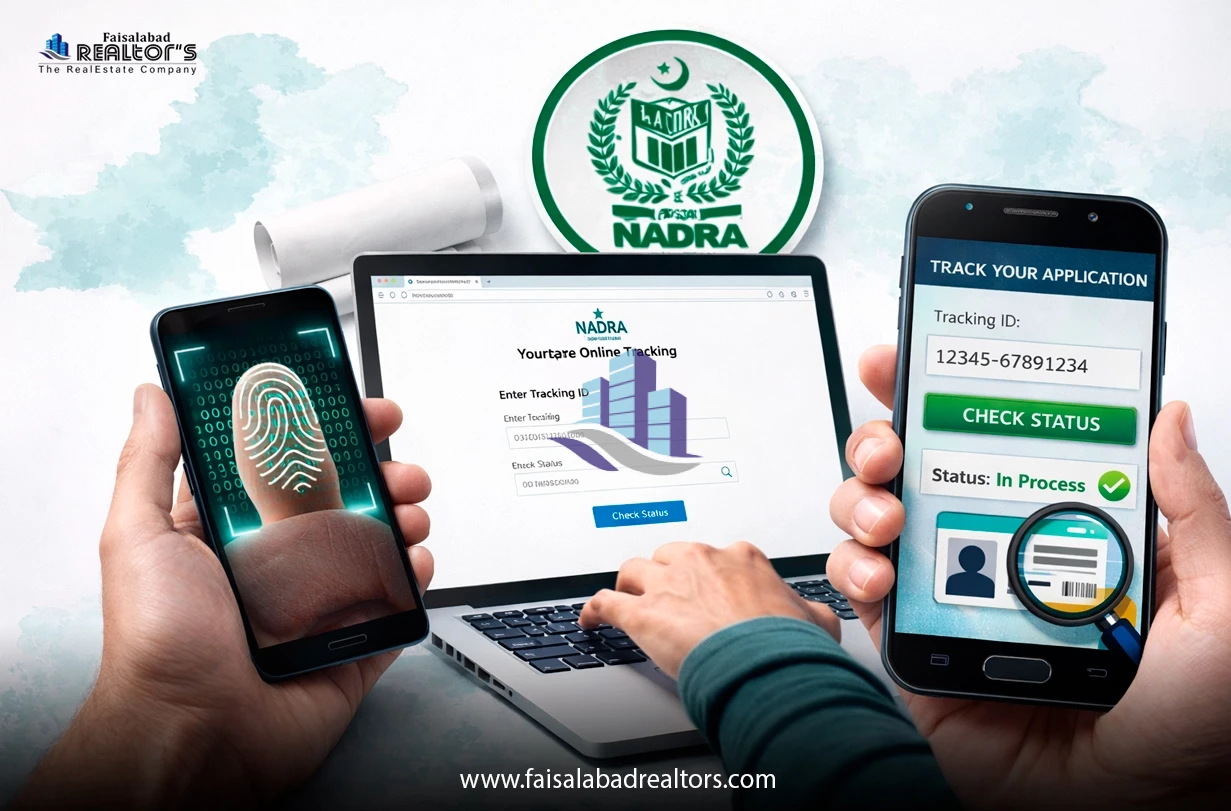
NADRA allows you to track your CNIC, B-Form, passport and more all online. No need to visit an office. In this article, we will discuss nadra online tracking system, how to get it and more information in detail. So stay linked with us.
What is NADRA Tracking?
NADRA tracking permit the users to check the status of the application at any time. If it is a new CNIC, renewal, or B-Form, you can follow every step online by using your NADRA tracking number .
How to Obtain Your NADRA Tracking ID
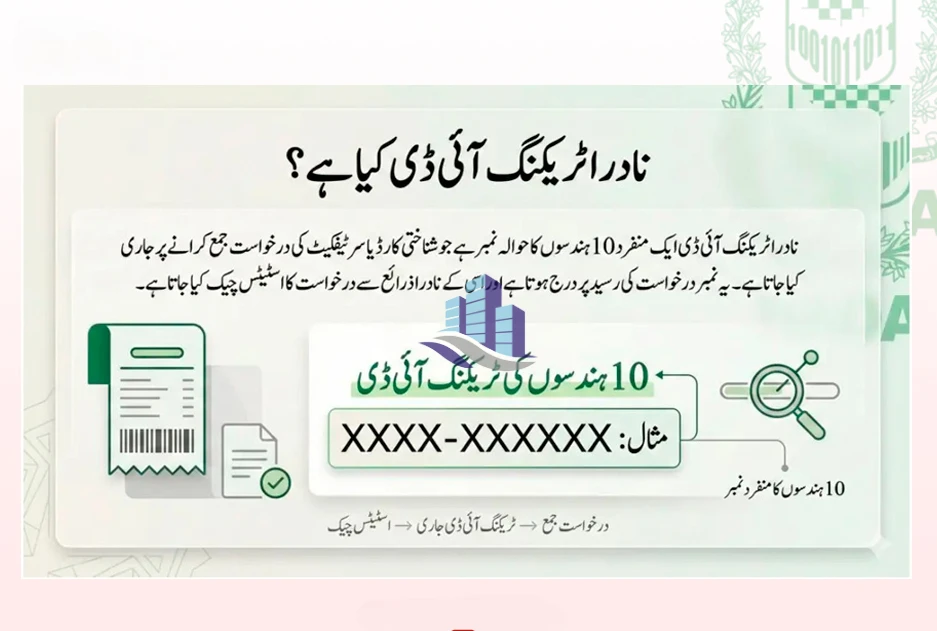
You get a token slip when you file your application at any NADRA office or registration centre. This slip has your tracking ID number. Keep it safe because you will need it for status tracking.
NADRA Online Tracking: Step-by-Step Guide
Step 1: Visit the Official Website
Go to www.nadra.gov.pk, the official NADRA portal.
Step 2: Find the Tracking Section
On the homepage, look for the Track Application or Online Tracking option in the menu.
Step 3: Type your Tracking ID
Enter your NADRA tracking ID. Just make sure that there is no spelling error.
Step 4: Check the status after submission
Hit the Submit button. Your application status will be shown to you instantly on the screen.
How to Track Different NADRA Services?
NADRA CNIC Tracking
To track your NADRA CNIC (also called NADRA ID card tracking):
- Visit www.nadra.gov.pk
- Click on "Track Your CNIC"
- Enter your tracking number or CNIC number
- View your card status — whether it's under process, printed, or dispatched
NADRA B Form Tracking
For children's B-Forms , the process is the same:
- Go to the NADRA website
- Select B-Form tracking
- Enter the tracking ID number from your token slip
- Check current status
NADRA Passport Tracking
NADRA also handles Pakistani passport services. For NADRA passport tracking:
- Visit www.nadra.gov.pk
- Go to the Passport section
- Enter your passport application tracking number
- Your status will show — applied, in process, printed, or ready for delivery
NADRA Complaint Tracking
In case of any complaint against any service of NADRA, you can also track them:
- Go to the Official site
- Visit the Complaints section
- Enter your complaint reference number
- Check the current update on your complaint
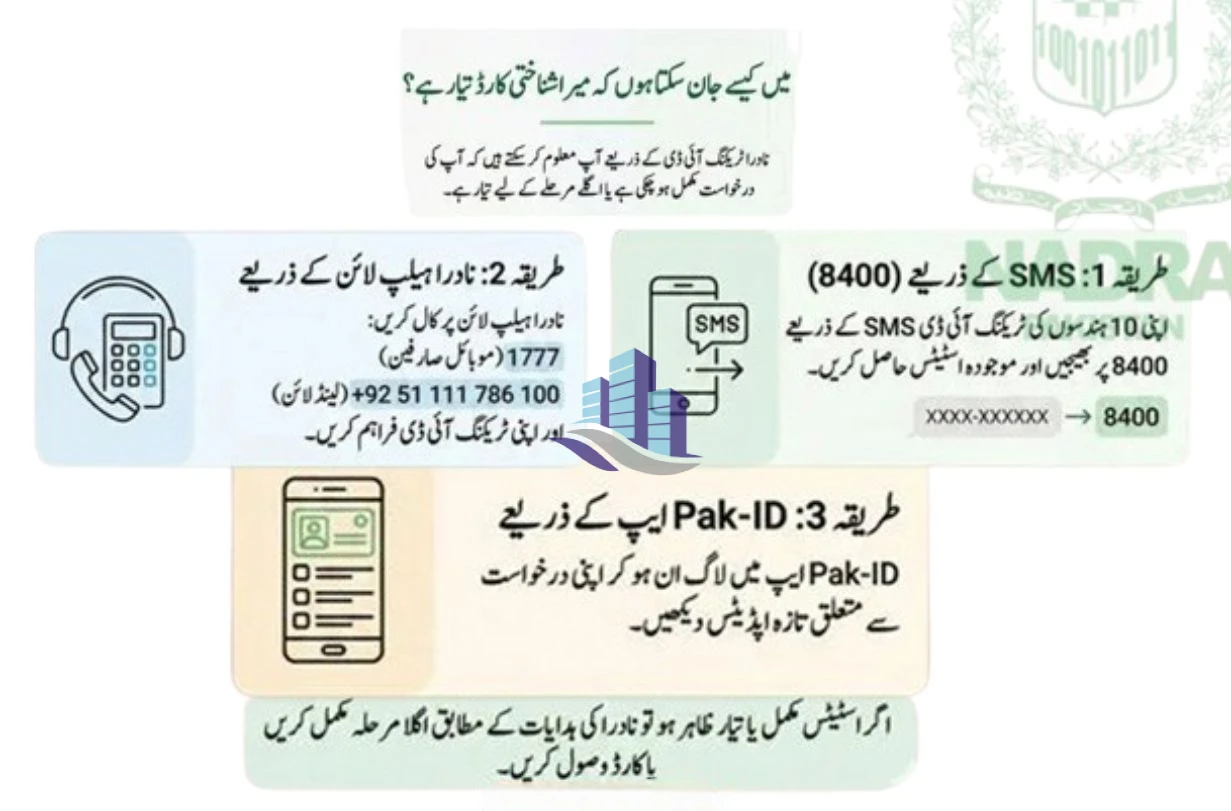
NADRA Tracking ID Check via SMS
You don’t need the internet for this. Just do this:
- Open the messaging app on your phone
- Type your CNIC number
- Send it to 8400
You will receive an SMS with your application status within minutes. This is the easiest NADRA tracking ID check SMS method.
How to Check NADRA Tracking ID (If You Lost It)
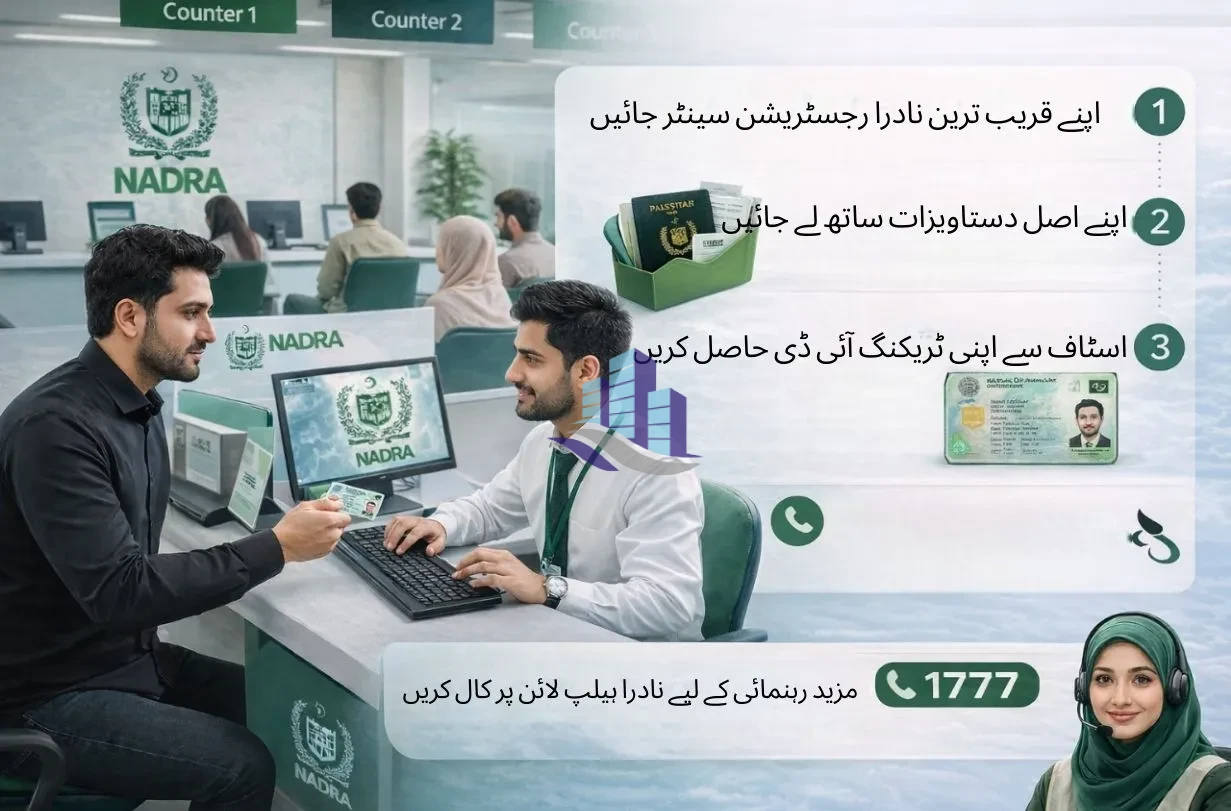
If you do not have your token slip, just follow these steps:
- Visit your nearly located NADRA registration centre
- Carry your original documents
- Ask the staff to retrieve your tracking ID using your CNIC number
- You can also call the NADRA helpline for guidance
Official NADRA Contact Details
- Availability of service: 24/7
- Mobile helpline: 1777
- Landline: +92 51 111 786 100
NADRA Card Tracking: Delivery Status
Once your CNIC is printed, it gets dispatched via TCS courier. You can also:
- Visit www.tcs.com.pk
- Enter the tracking number provided by NADRA
- Check exactly where your card is in the delivery process
Final Tips
- Always keep your token slip safe after applying
- Use SMS tracking if you do not have internet access
- Only use www.nadra.gov.pk, avoid fake websites
- For urgent help, call 051-111-786-100
It is easy and free to track NADRA. You need nothing except your tracking ID. A few seconds to find out your status at any time in any place.
FAQs:
1. How much time does NADRA take to process an ID card?
Normal processing usually have a few weeks, depending on the service type.
2. Can I track my NADRA application without visiting the office?
Yes. You can check your application status online using your tracking ID.
3. Is NADRA online tracking free?
Yes. Checking your application status through the official system is free.
4. Can overseas Pakistanis track their NADRA applications?
Yes. Applicants from anywhere in the world are also able to check their status online.
5. What can I do if the NADRA application is not processed?
You should contact the NADRA helpline or visit nearly registration centre for guidance.
If you're interested in any property sale or purchase, do contact us. We provide the best estate services in Faisalabad.
Contact us for:
House for sale
House for rent
Room for Rent
Flat for Rent
Ideal Farm House
Commercial Avenues